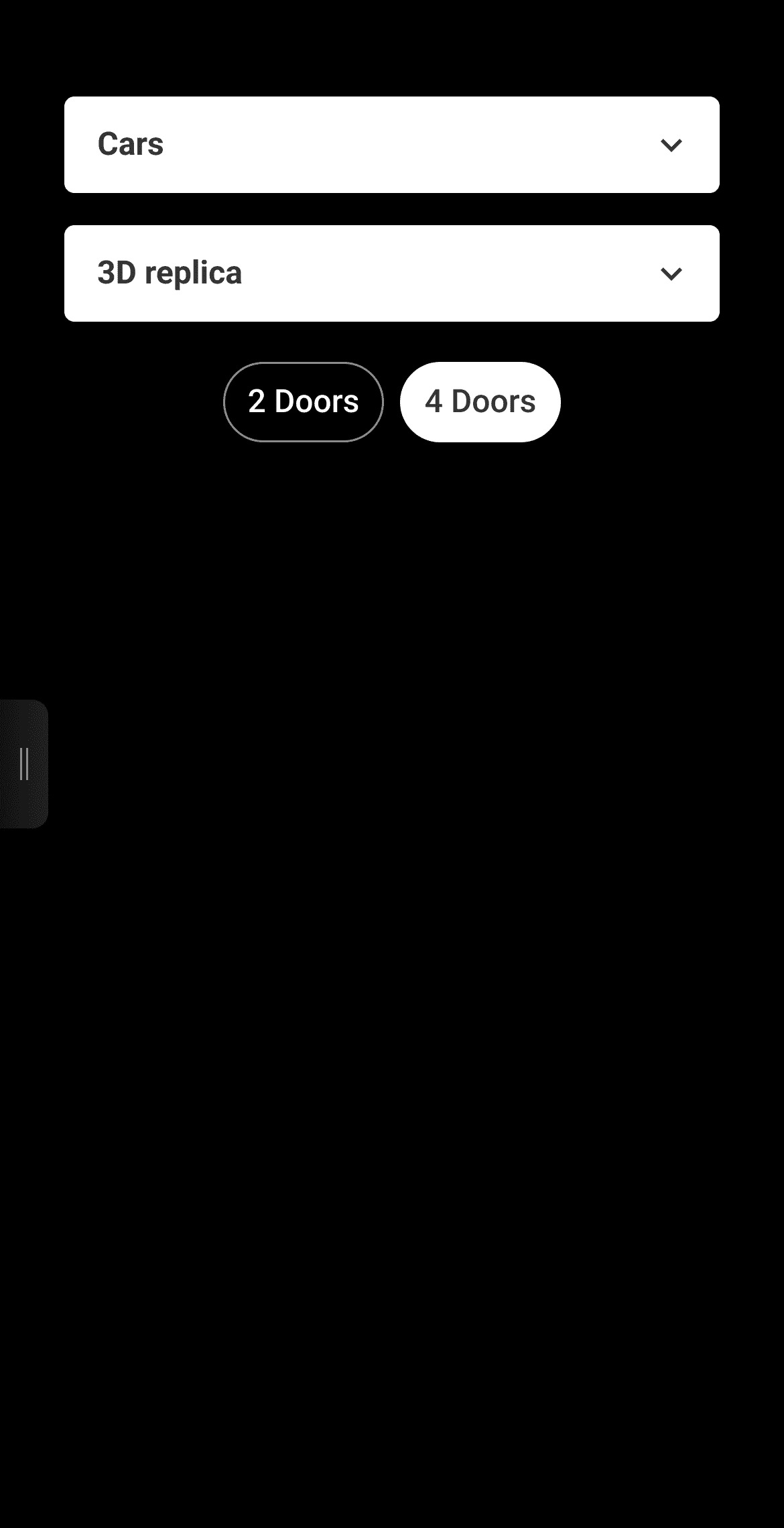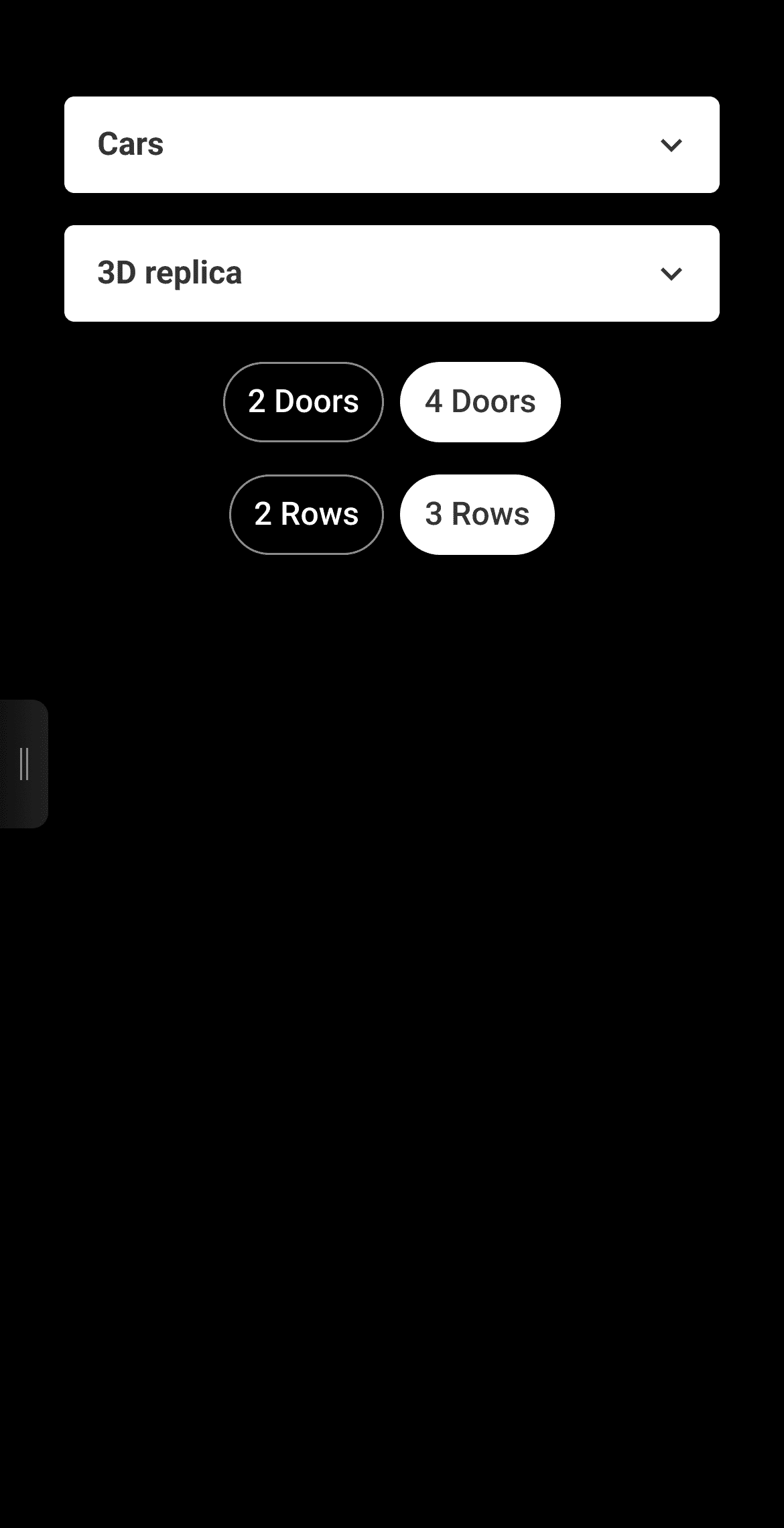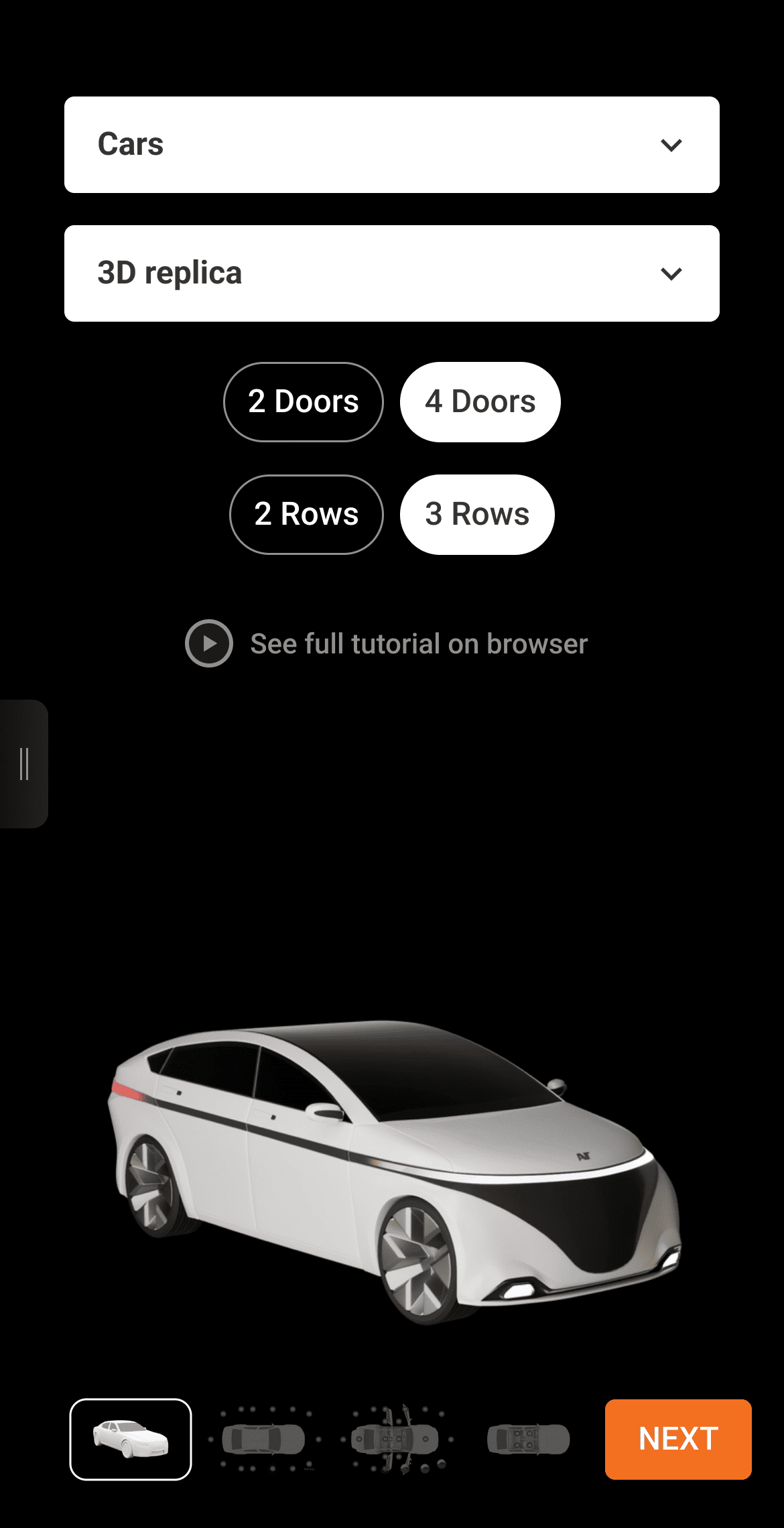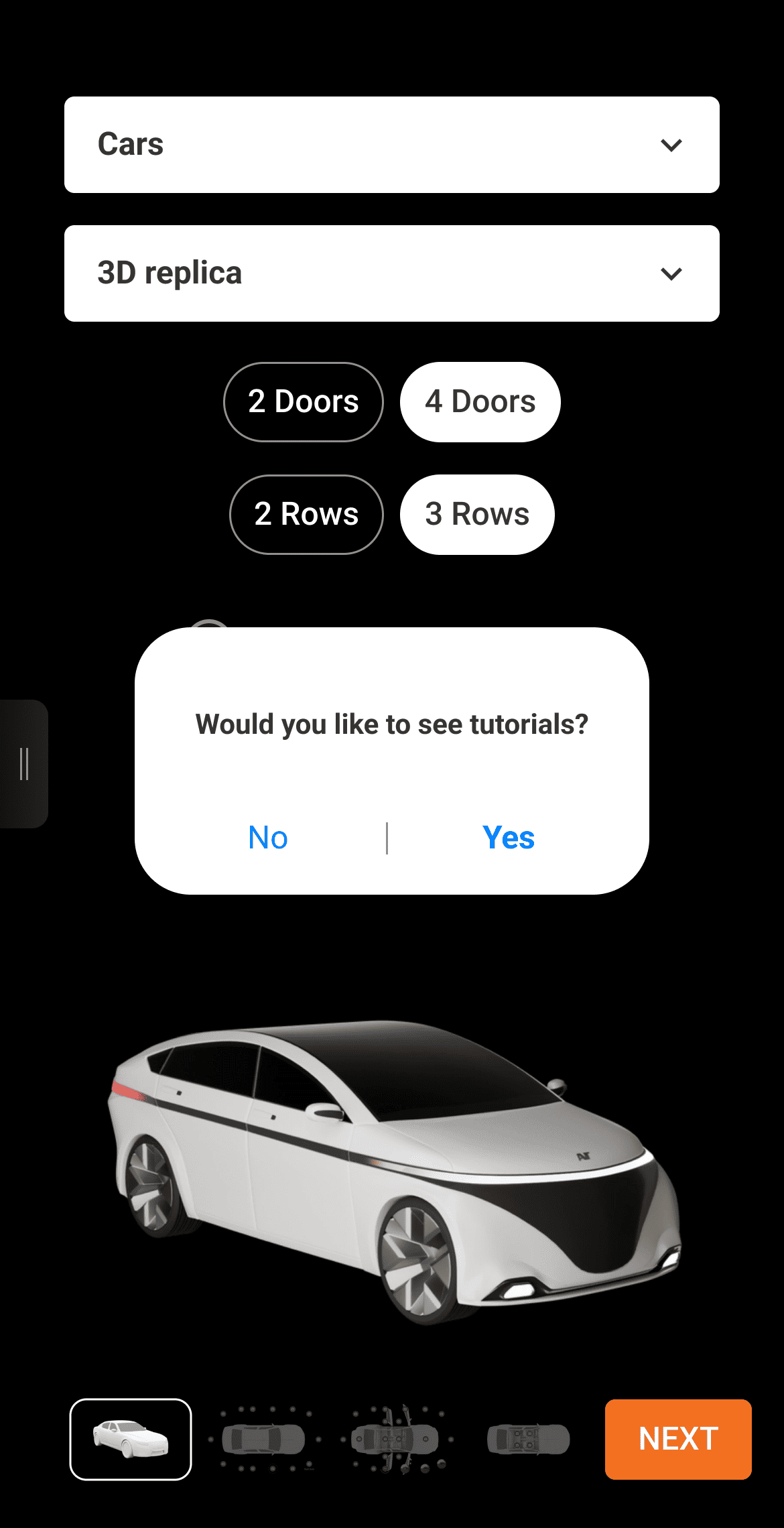


The app guides you through capturing, configuring, and uploading panoramas—making the entire process fast, simple, and fully mobile. At AutomotiveVT.com, the AVT App simplifies creating digital vehicle replicas. It’s fully mobile-compatible, letting you complete the entire workflow on any smartphone or tablet while connecting seamlessly to leading 360° cameras. Just download the app, set up your 360° camera with a 10-ft selfie stick, and follow the instructions below.

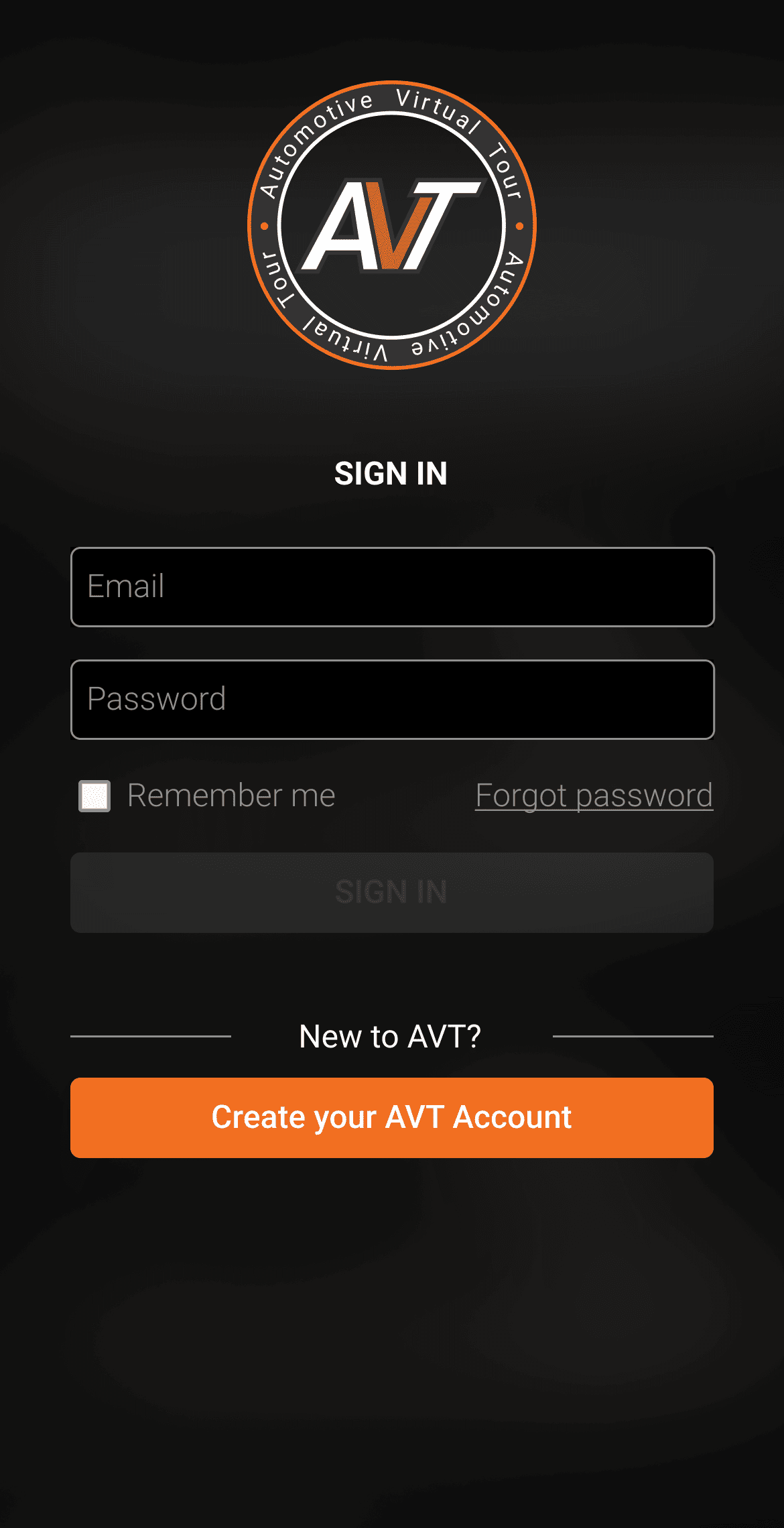
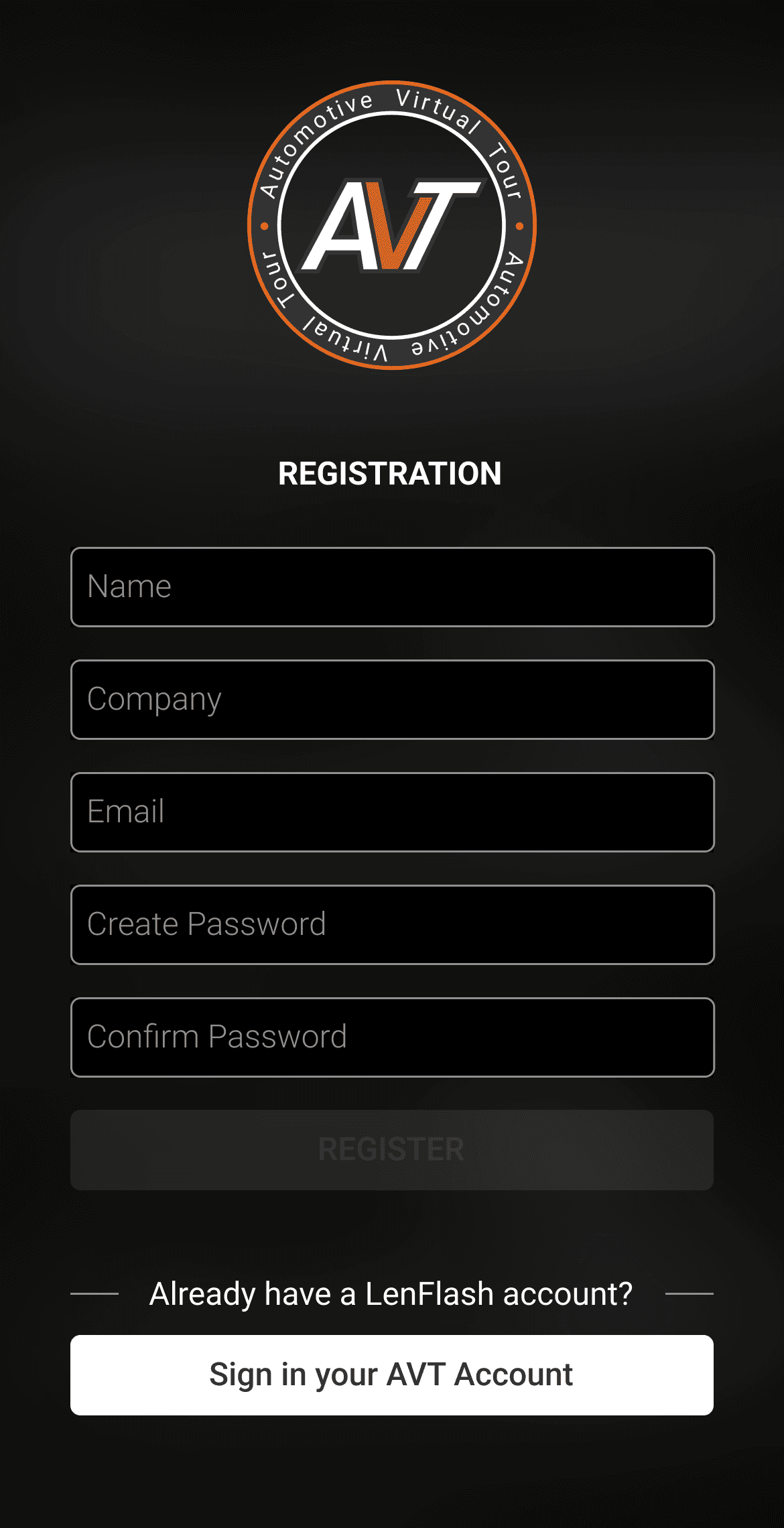
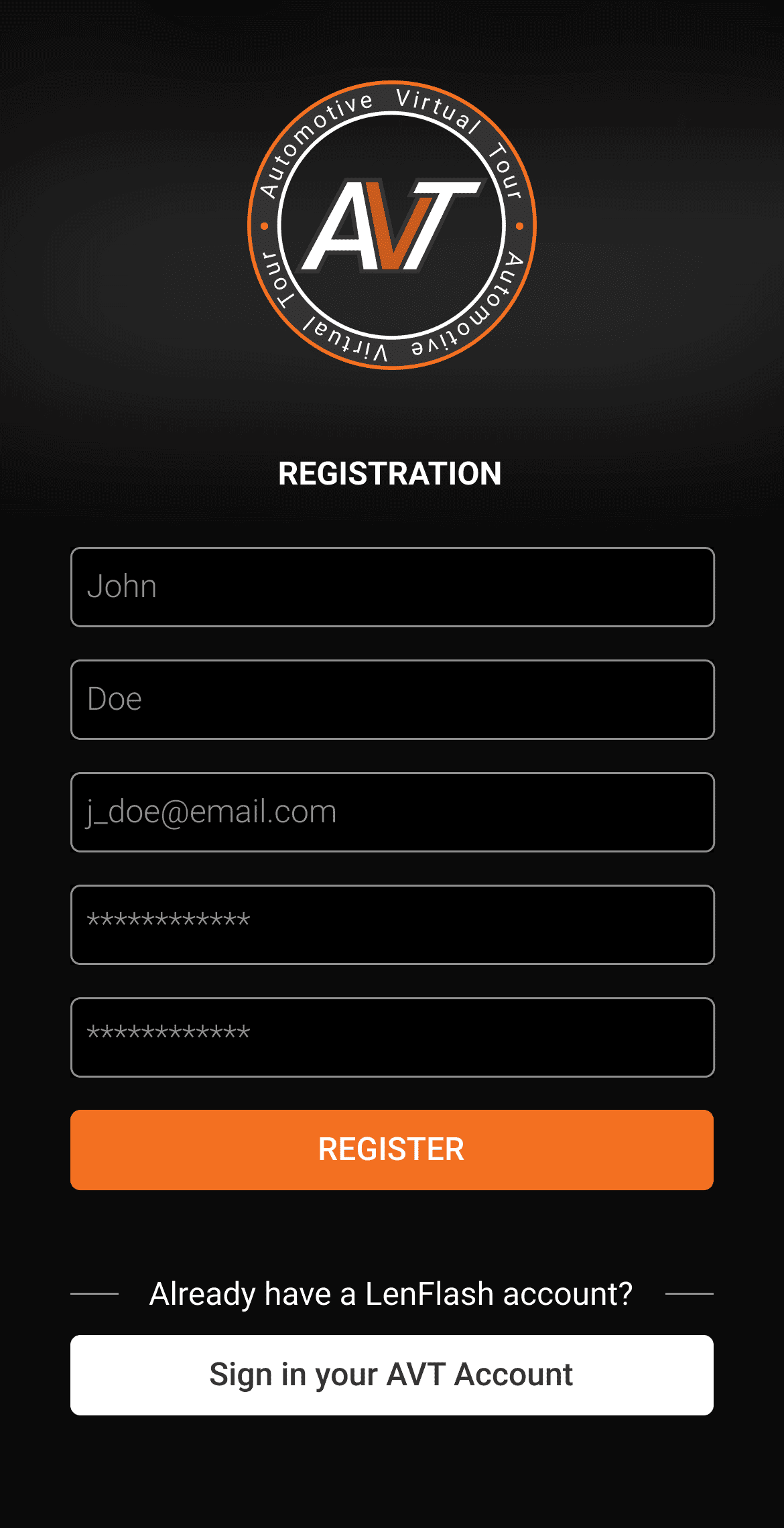
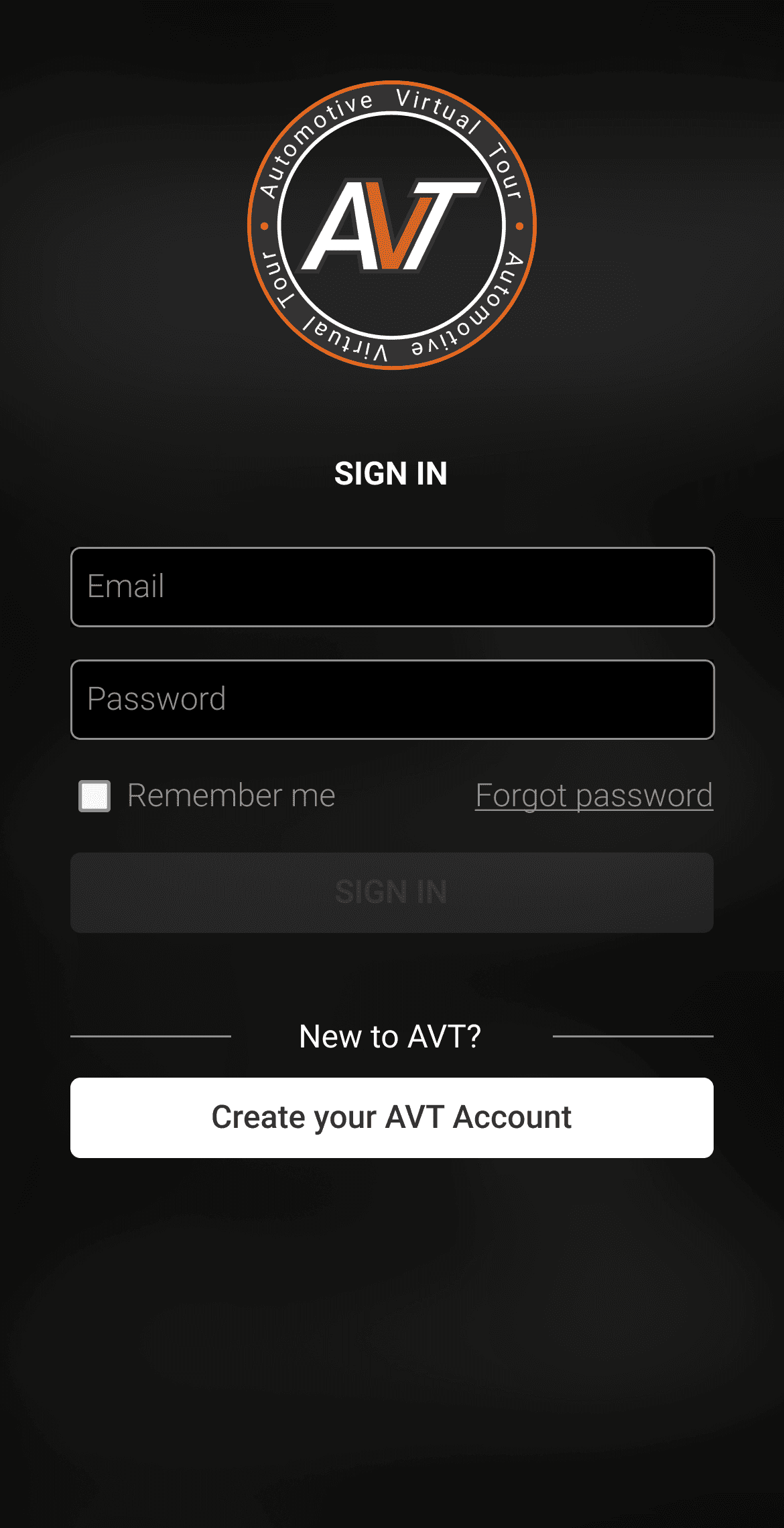
Easily Sign Up & Sign In to Your AVT Account
Create a free AVT account directly from the app or at AutomotiveVT.com, so you can manage all your AVTs anytime, anywhere with an internet connection. If you already have an account, simply sign in!
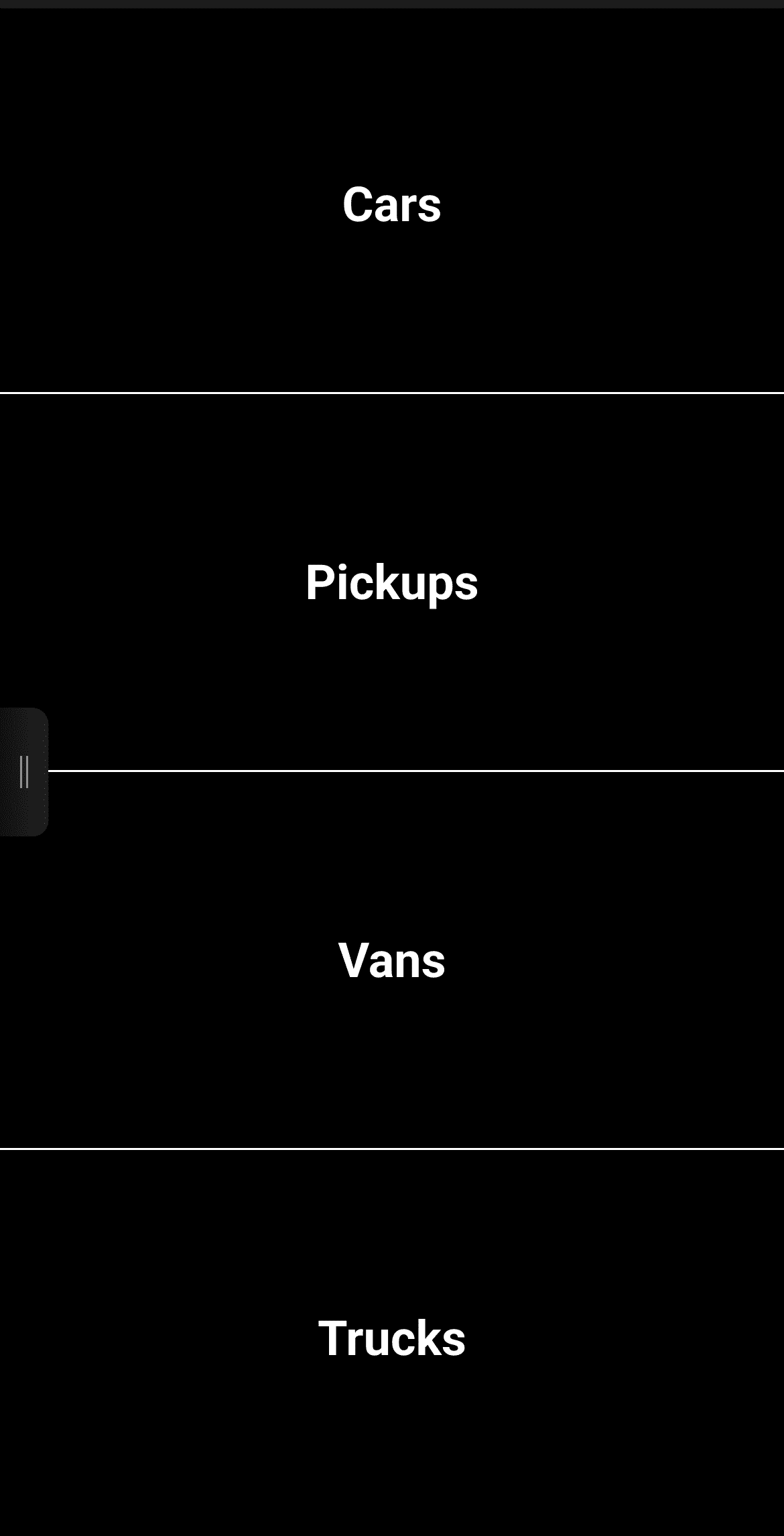
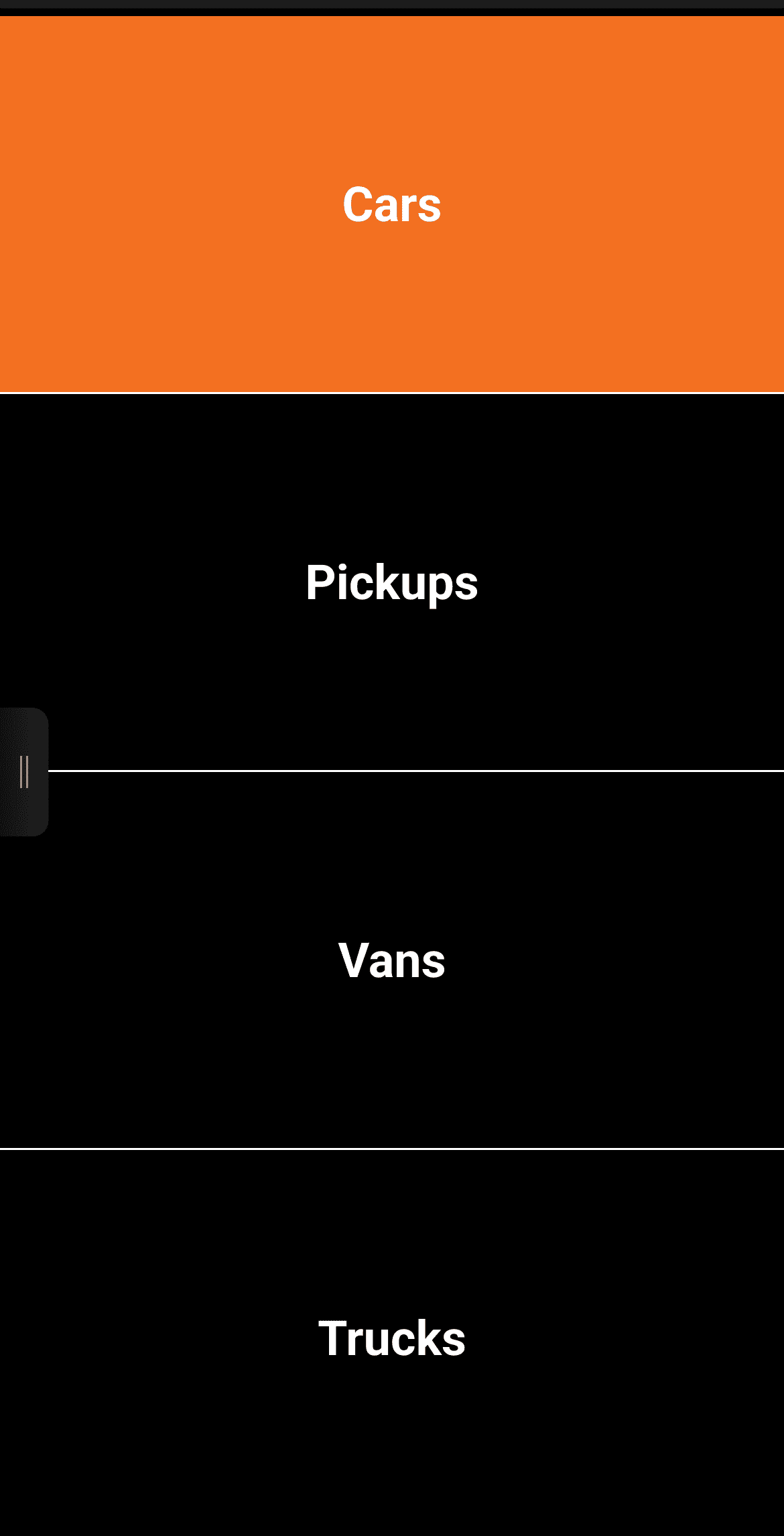
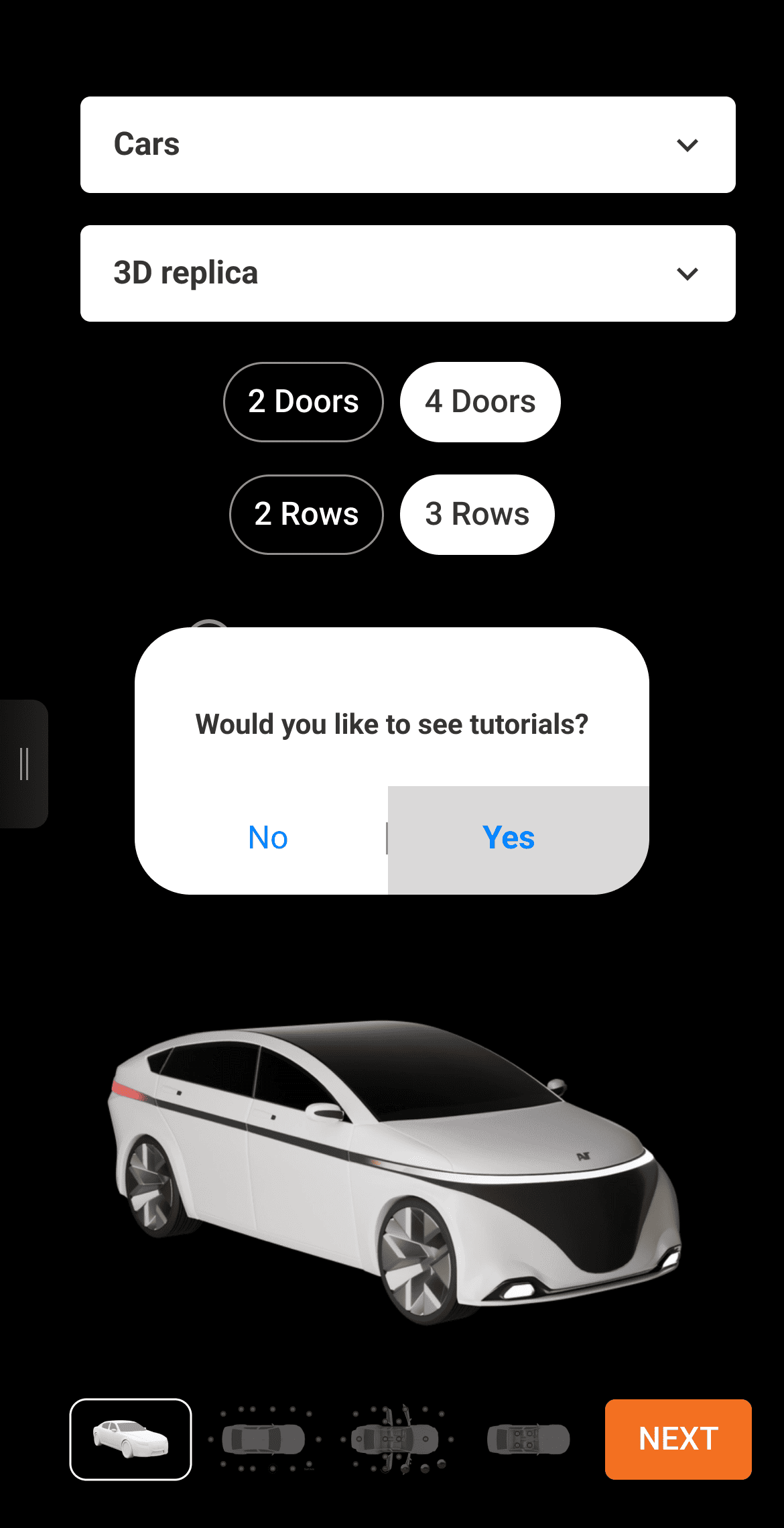
Choose Your Vehicle
The AVT App supports any vehicle type — from cars to trucks, buses to RVs, and boats to jets. Simply select the vehicle you want to replicate and follow the easy steps to boost your workflow.
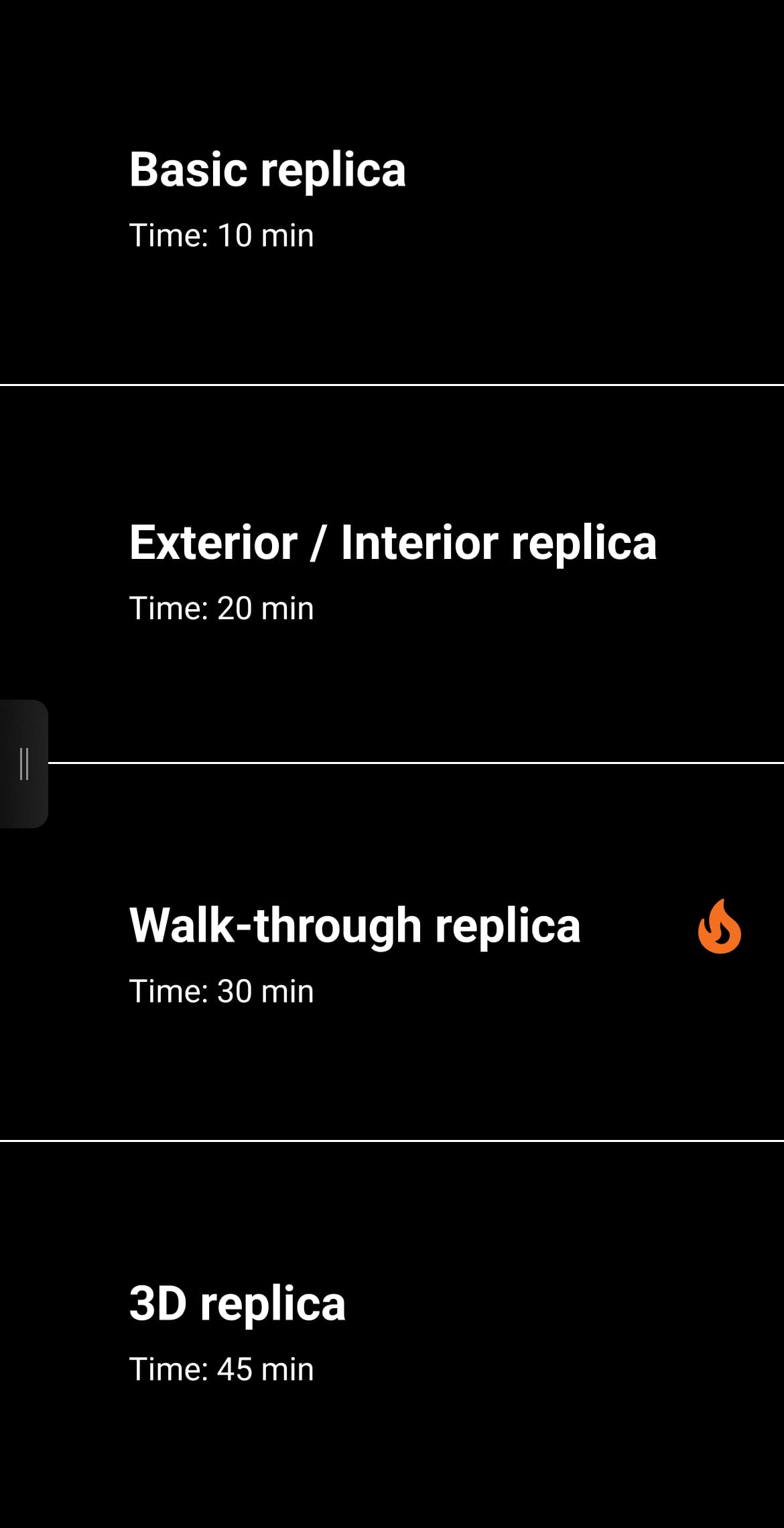
Choose Your Replica Tour Type
AVT offers four replica options and a variety of vehicle configurations to fit your needs and goals. Choose from one of four types — Basic Replica, Exterior/Interior Replica, Walkthrough Replica, or 3D Replica — and select presets based on your vehicle.
AVT Tutorials Cover It All
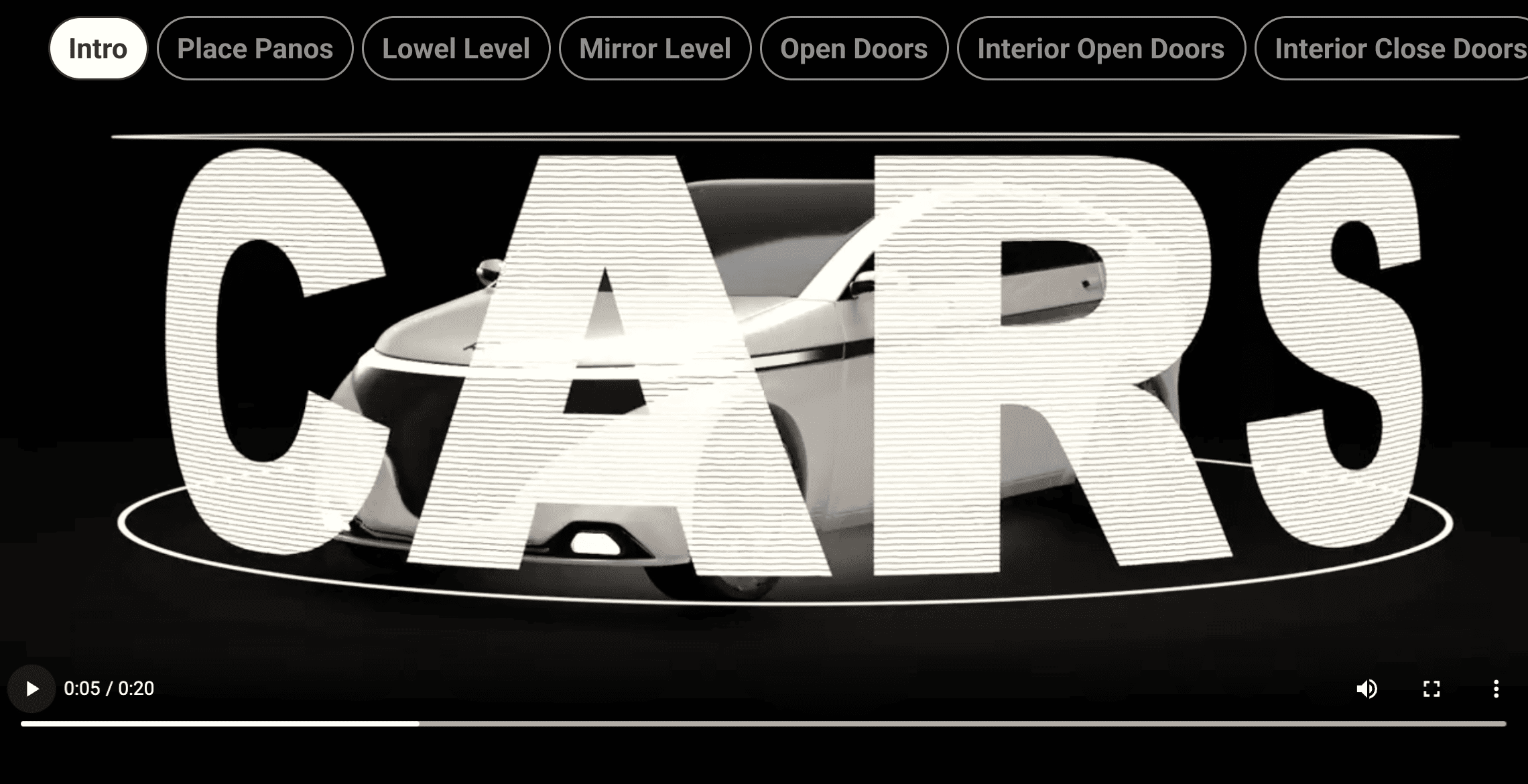
Before capturing panos, you can view a tutorial for the replica type and vehicle configuration you selected. Each tutorial provides clear, step-by-step guidance to help you create accurate, consistent replicas. Access it anytime in the app to ensure your AVTs are done right and save time during the process.
Sync Up with a 360° Camera
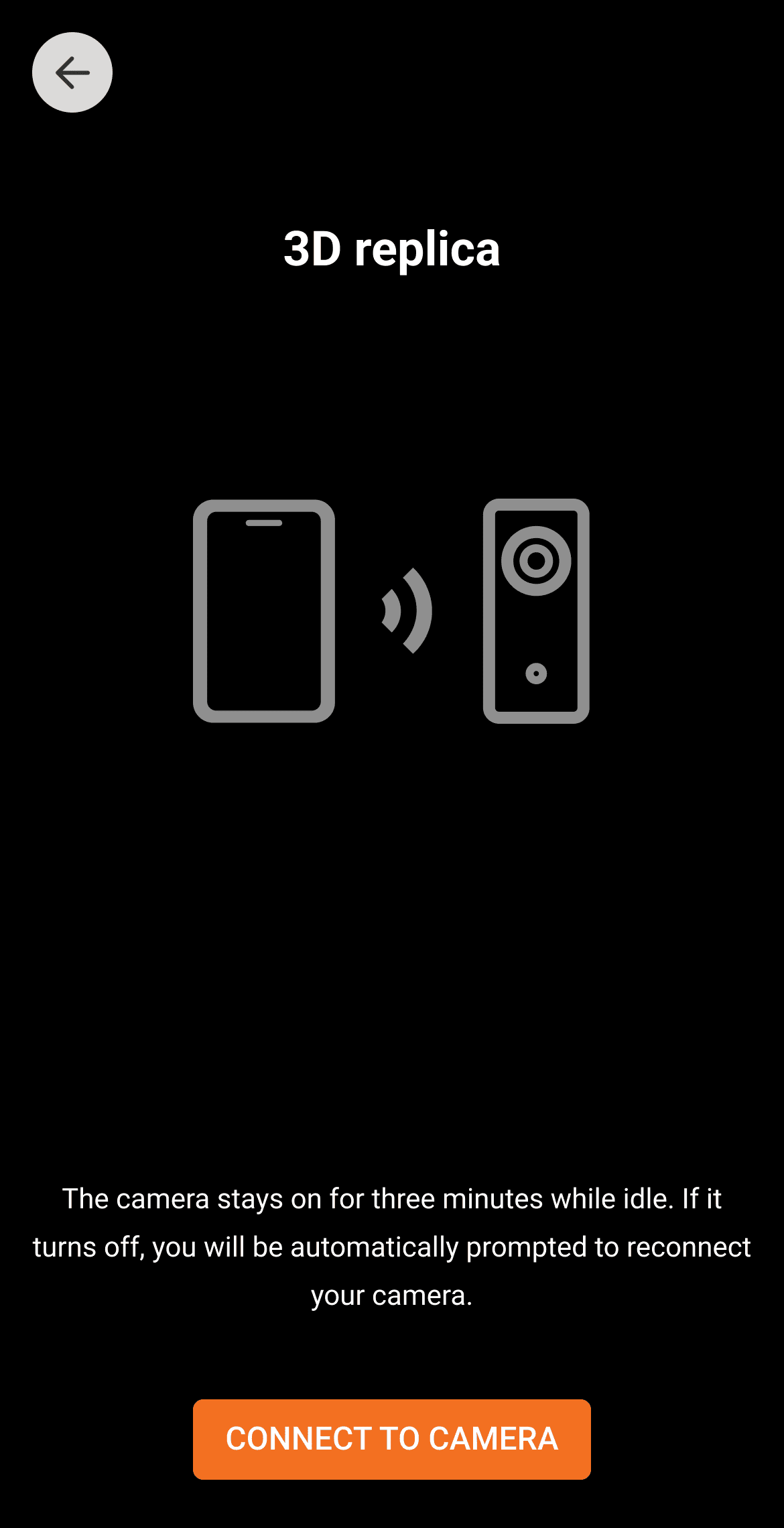
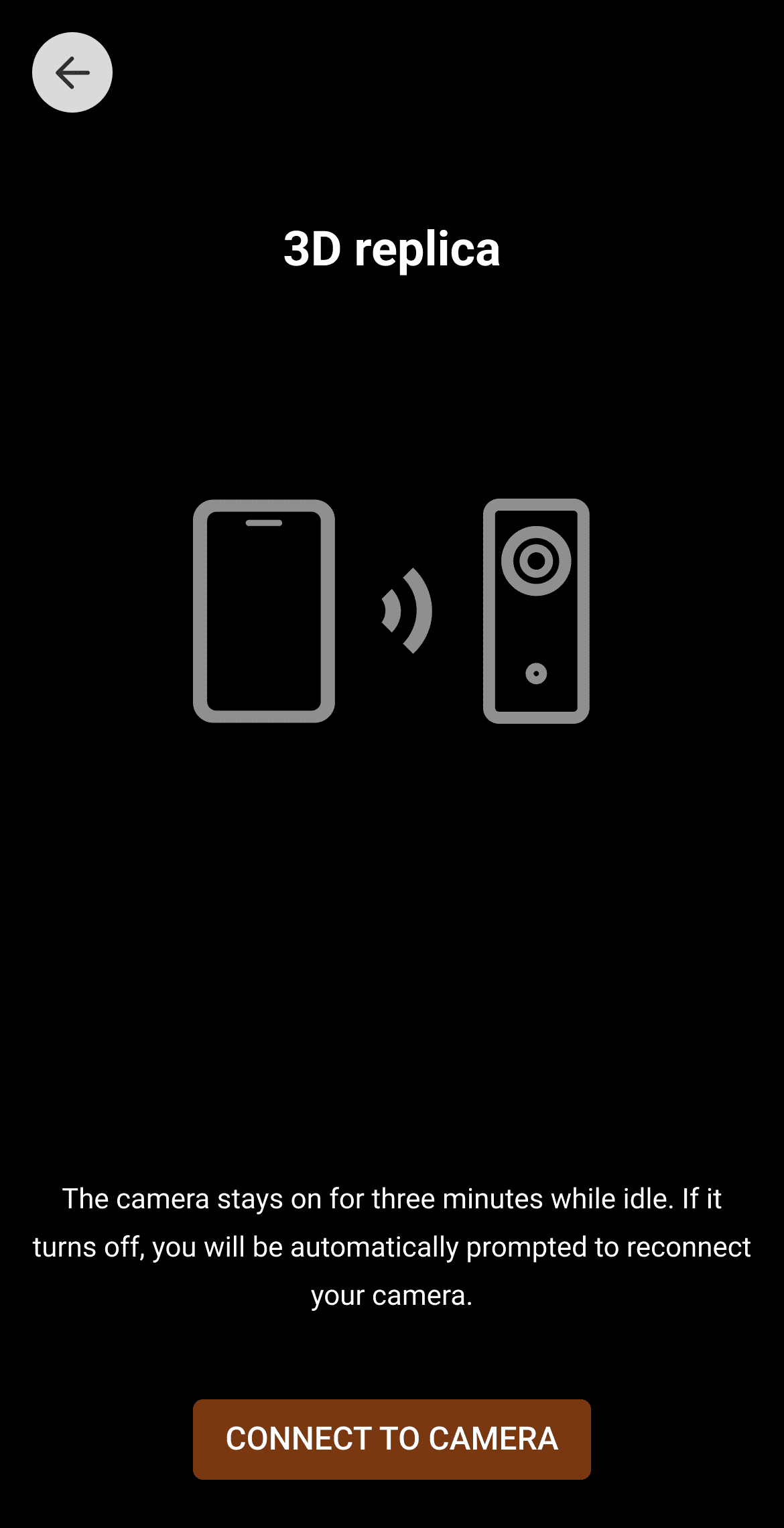
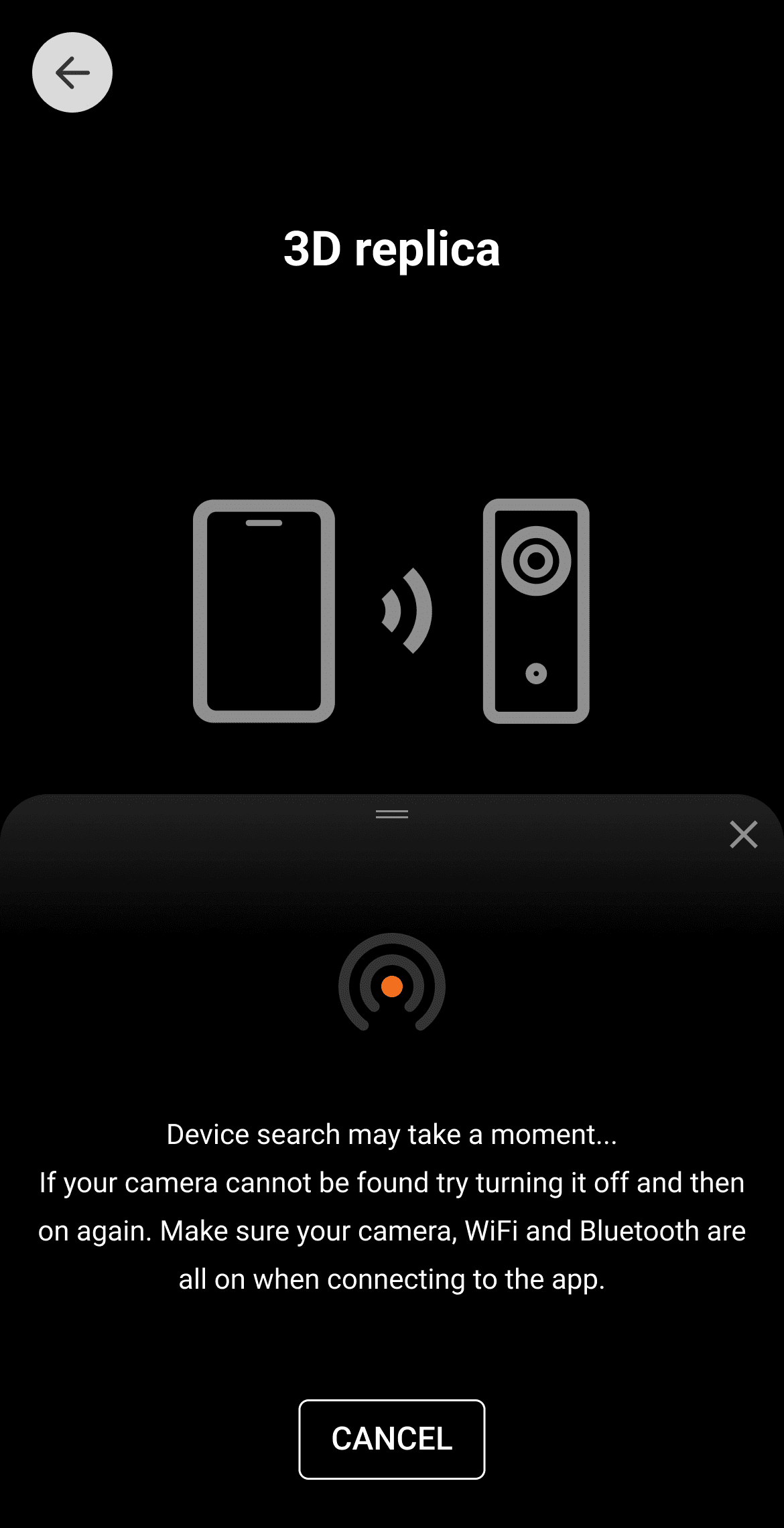
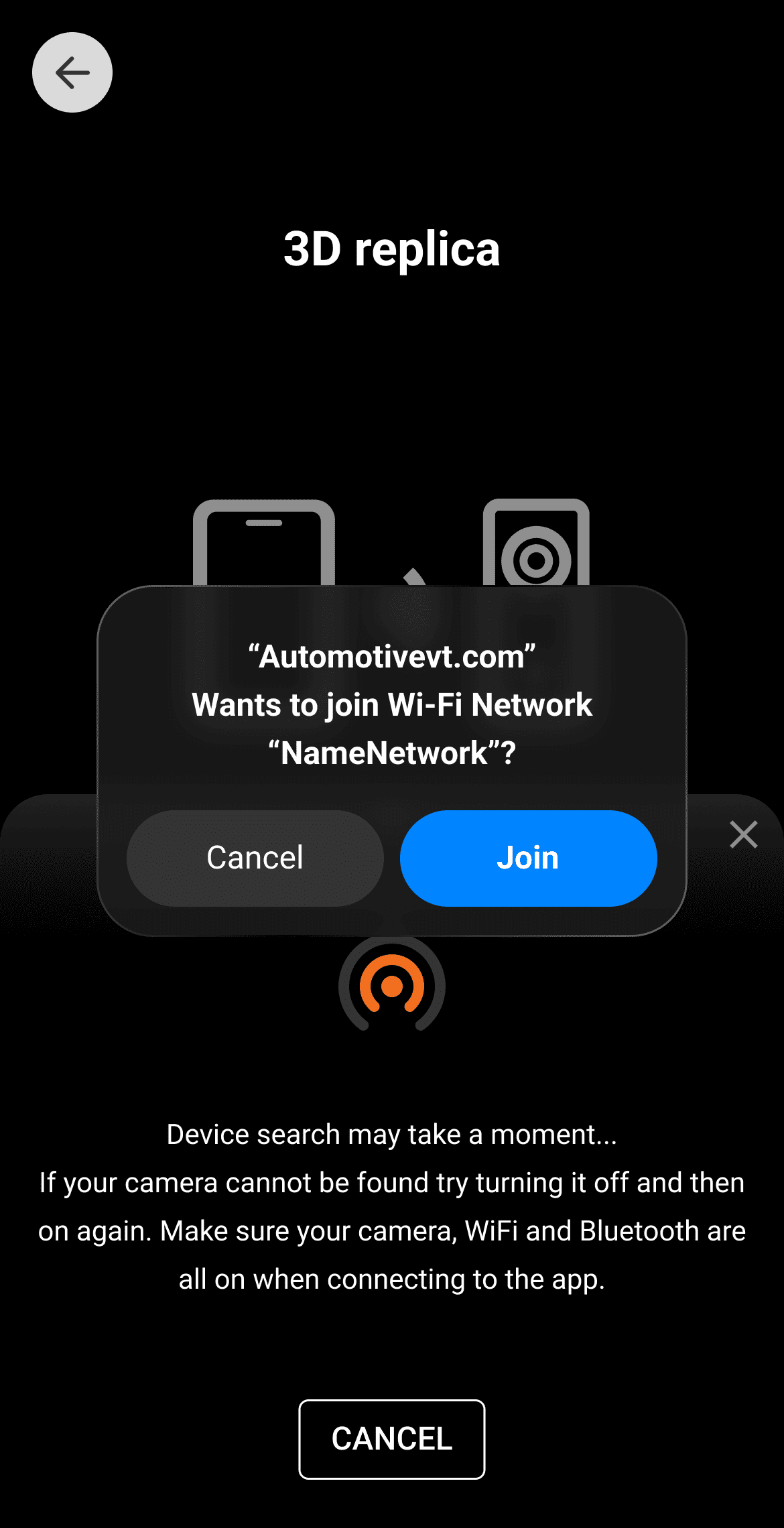
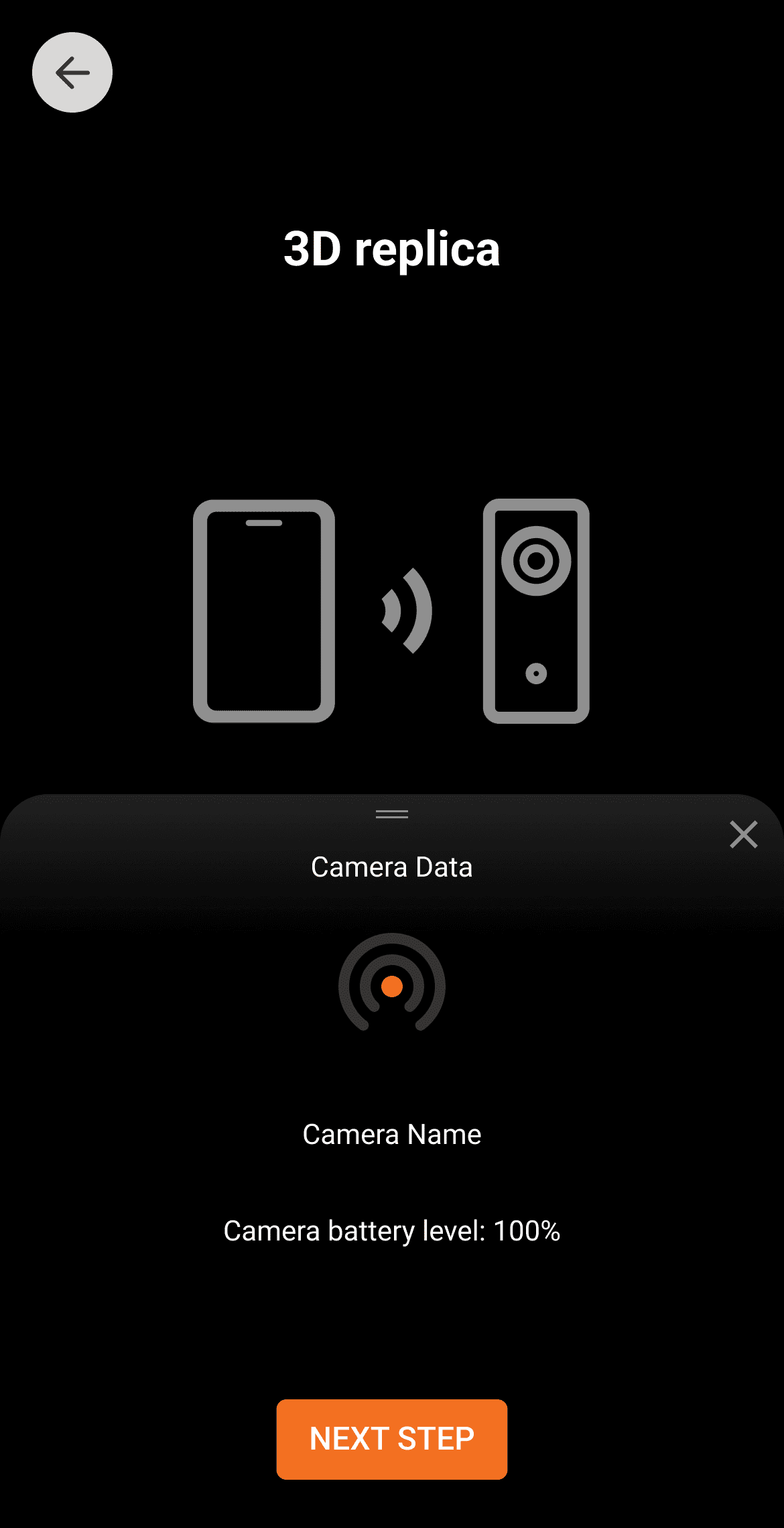
Connect your 360° camera to the AVT App — compatible with Insta360, Theta, and QooCam models. Turn on your camera, tap Connect Camera in the app (no password required), and wait for it to appear. Settings automatically adjust for perfect 360° panos optimized for AVT. Then, follow the on-screen instructions to finish pairing.
Follow a Guided Capture Process
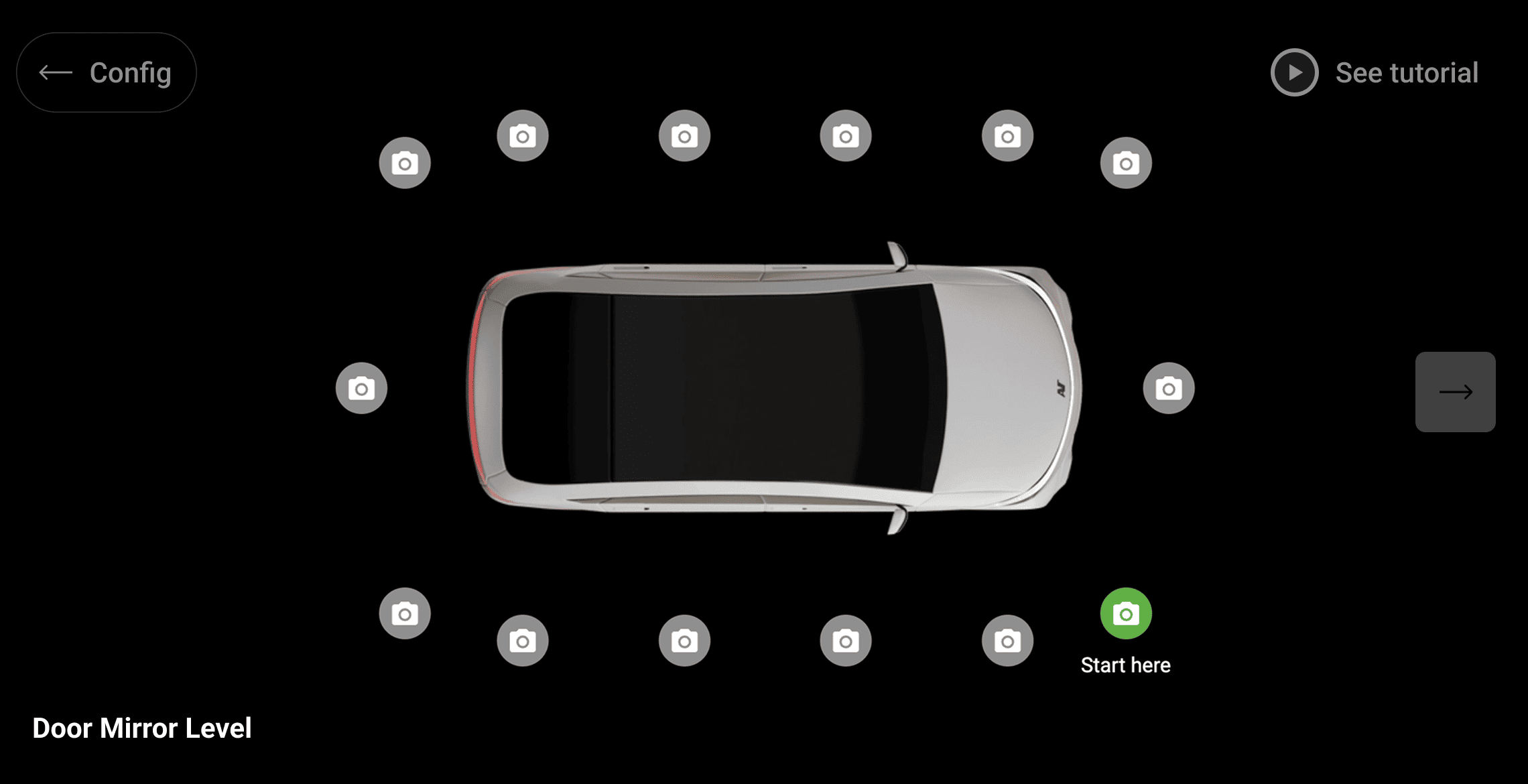
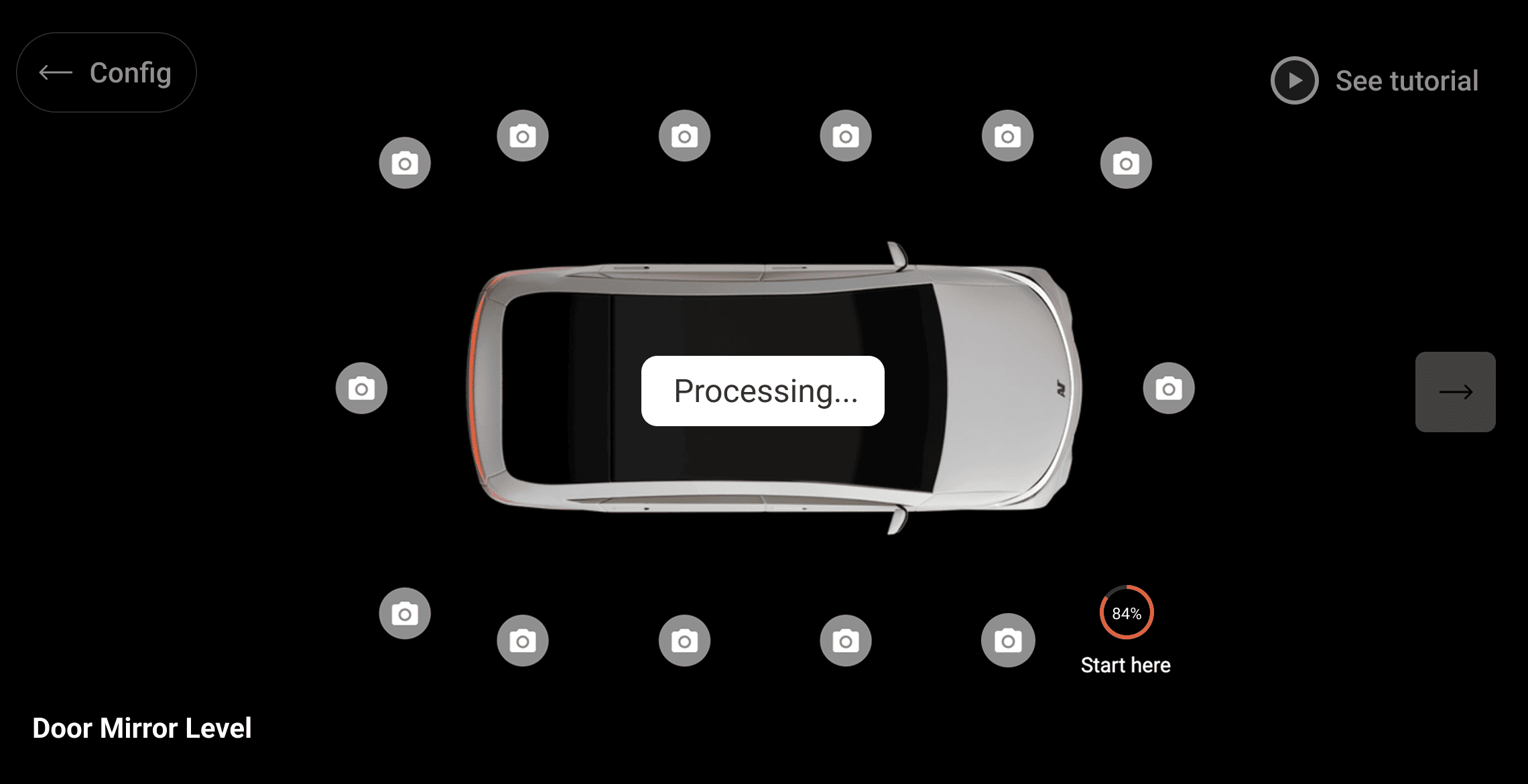
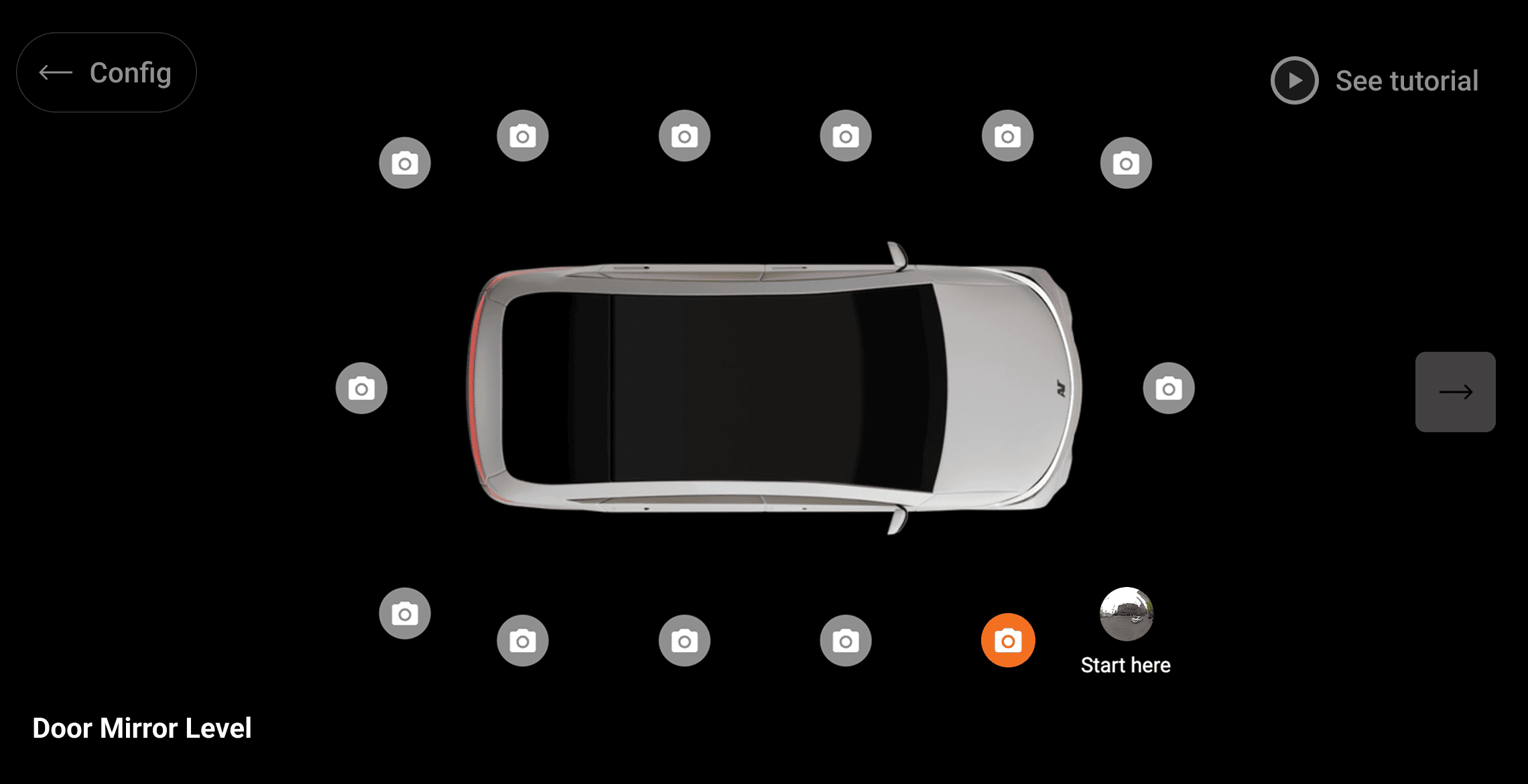
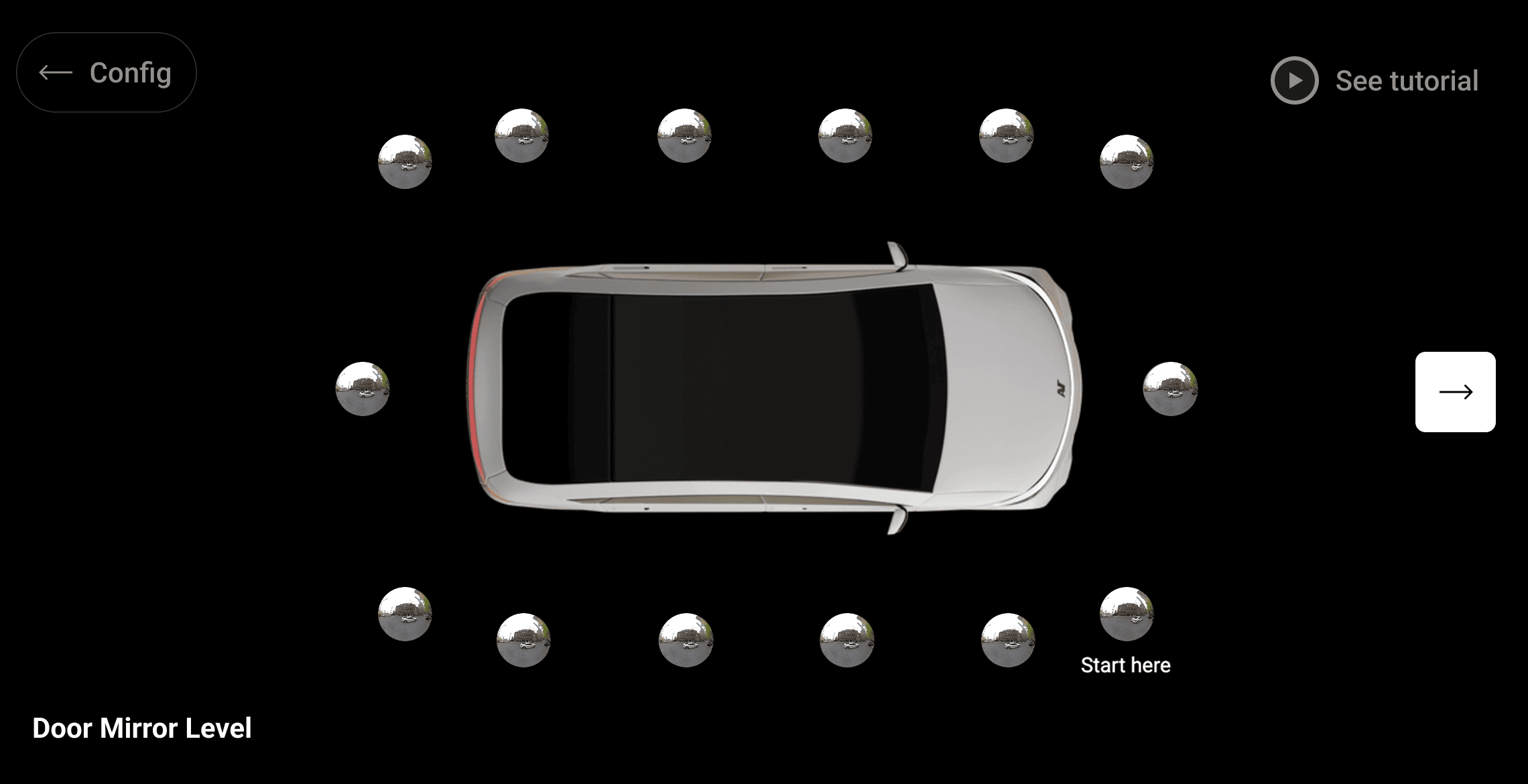
Once your camera is connected, the rest is simple. Position it as shown in the diagram and tap the Camera icon to capture your panorama. The AVT App automatically uploads the captured images into your replica, allowing you to review or reshoot panos and keeping your progress saved — even if your camera or mobile device runs out of power.
Create & Upload Pushpins
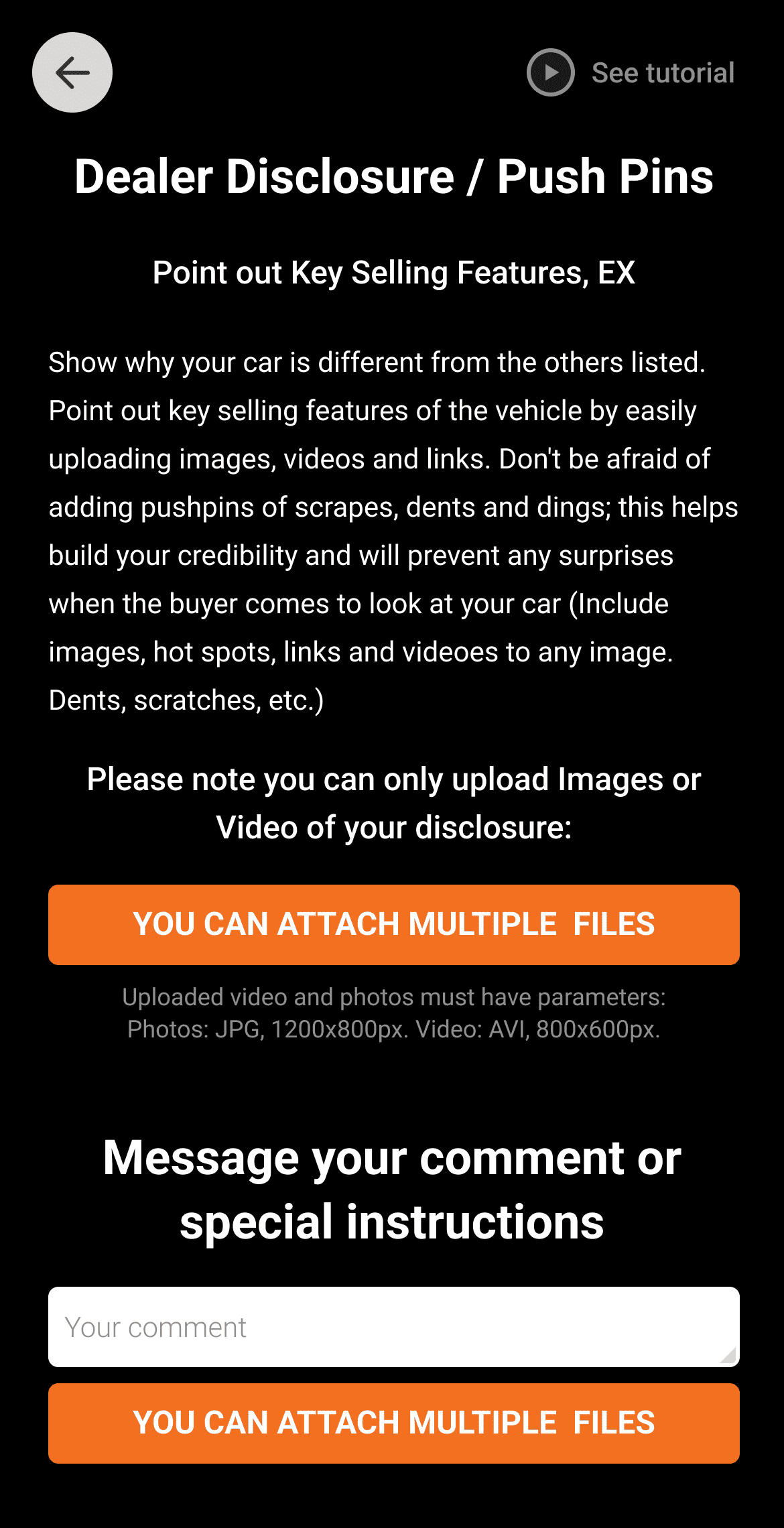
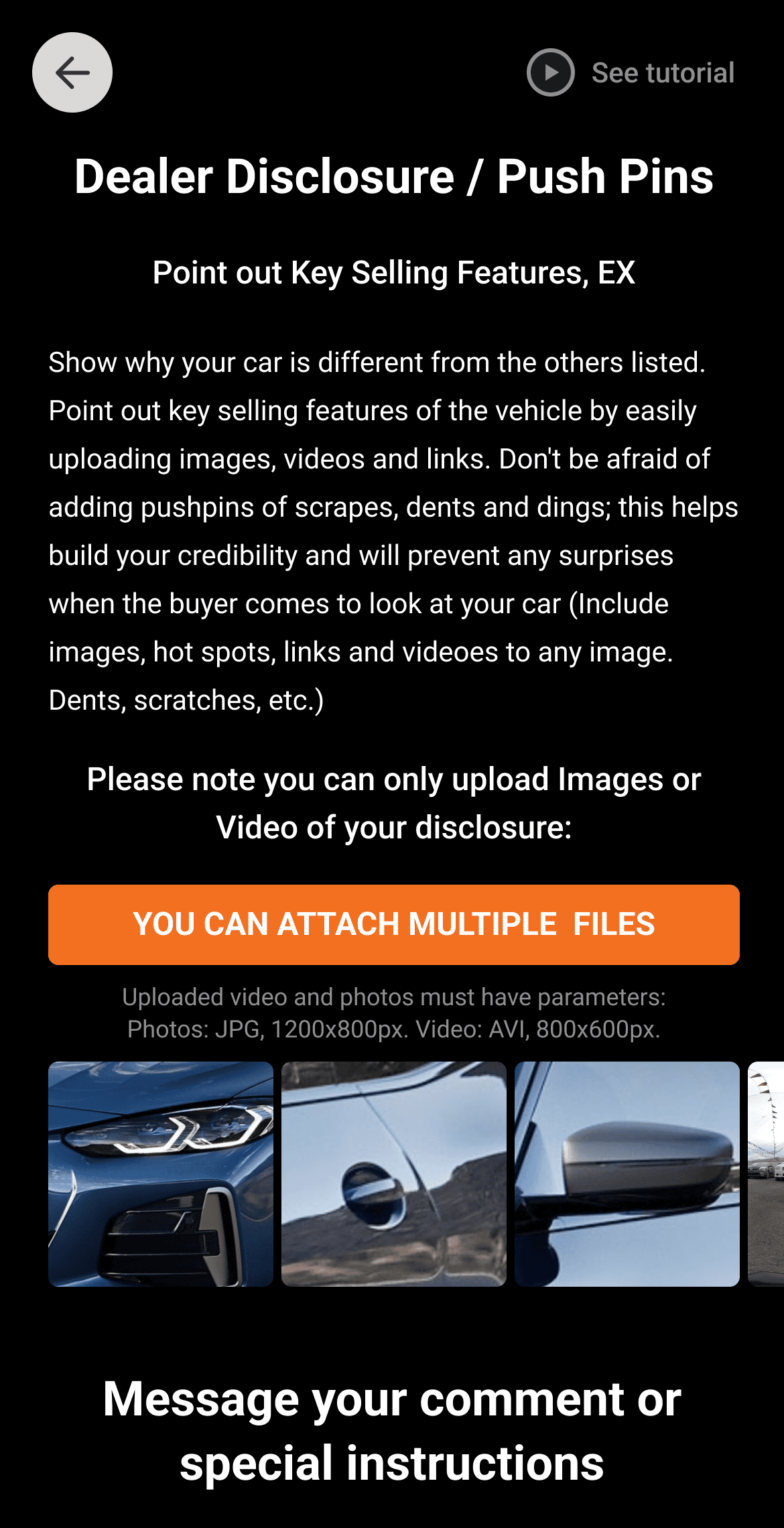
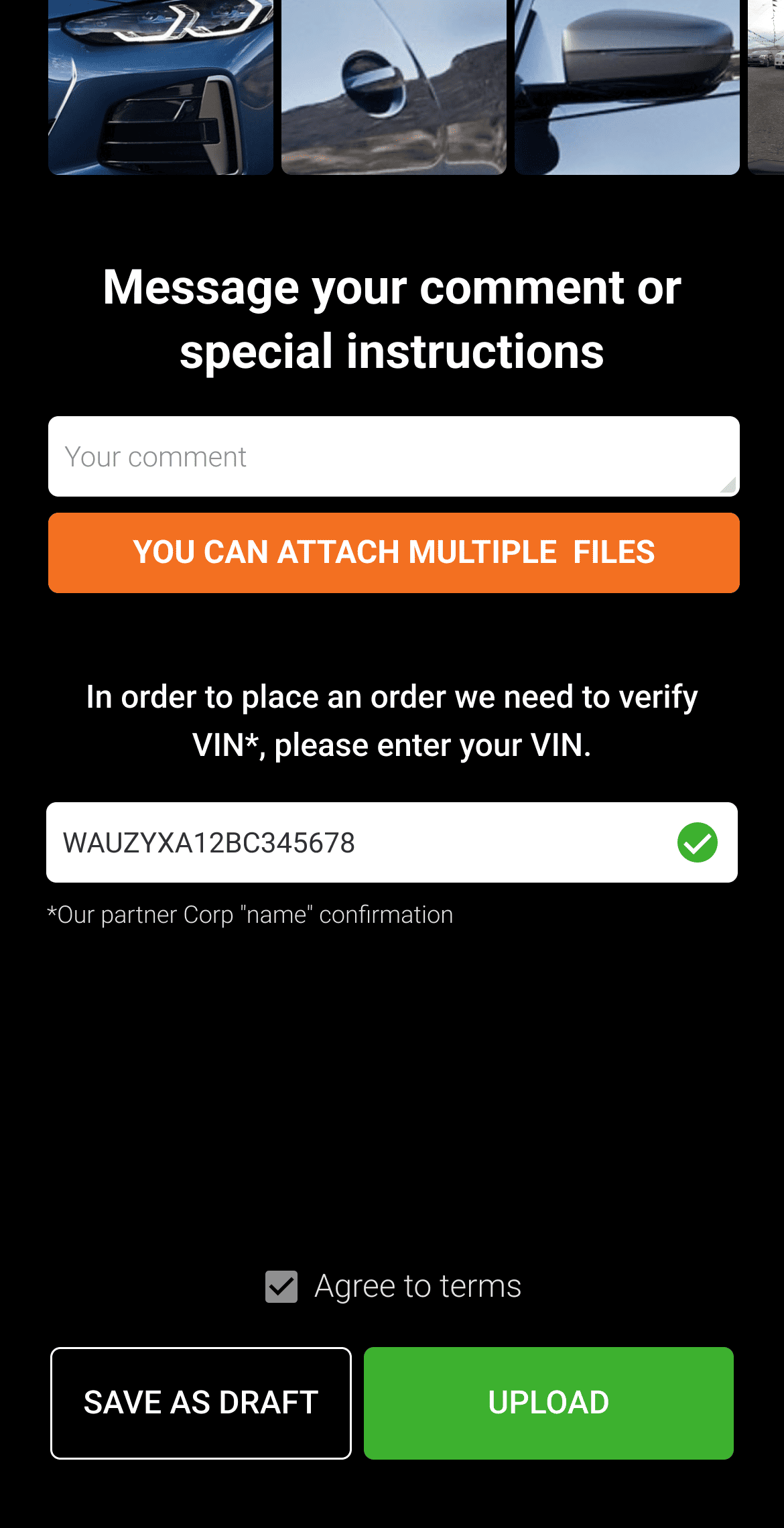
Directly from the AVT App, you can highlight your vehicle’s key features with pushpins using your phone’s photo library or camera. Capture photos and videos, showcase dashboard animations, record sound clips — such as engine or exhaust sounds — and add notes for damages, dents, or special features.
Vehicle VIN Verification
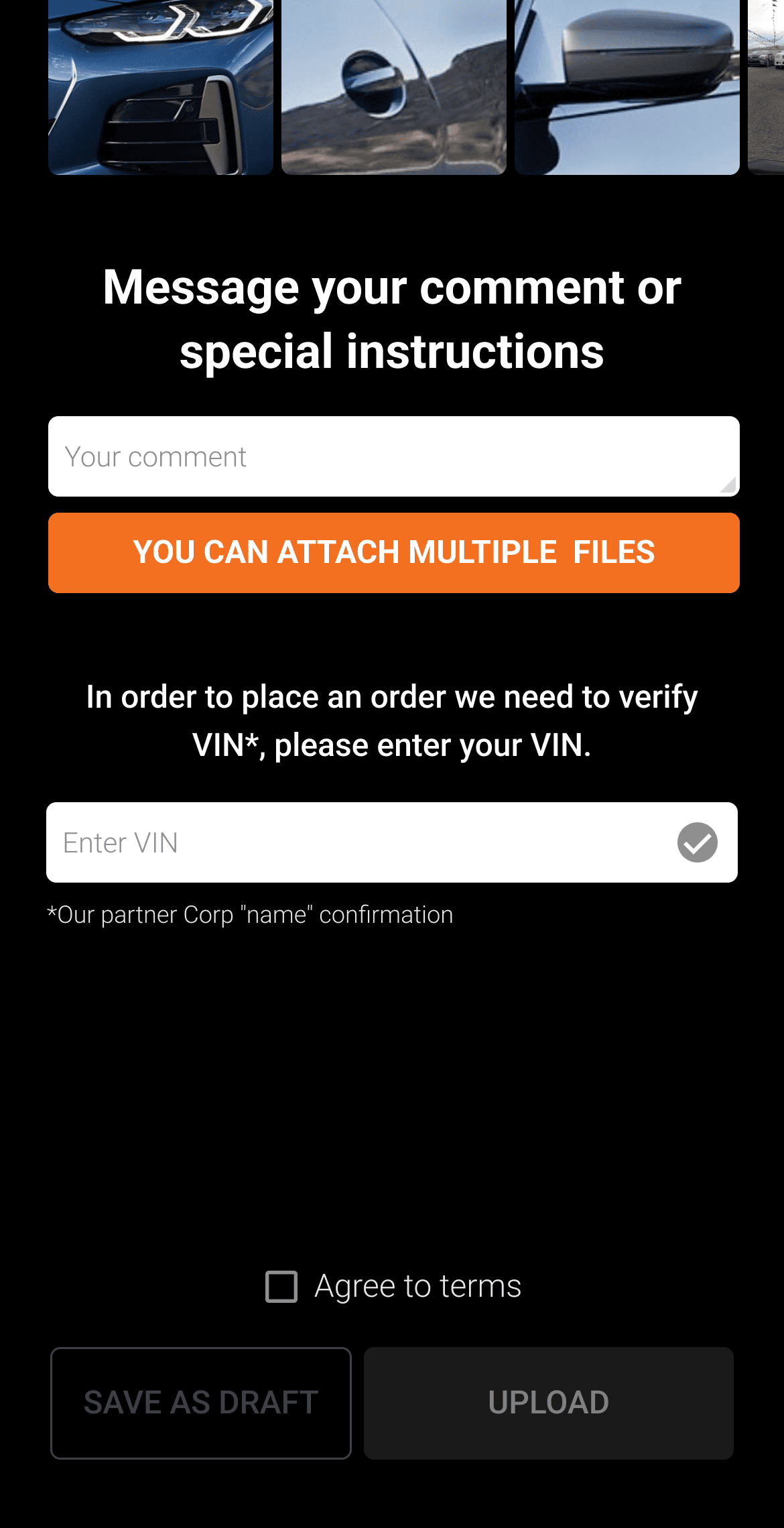
Enter your vehicle’s VIN in the AVT App and press Submit. AVT automatically verifies the VIN through NHTSA for manufacturing data — including plant origin and specifications — and through AutoCheck, powered by Experian, for detailed vehicle history reports covering accidents, mileage, title status, and ownership details.